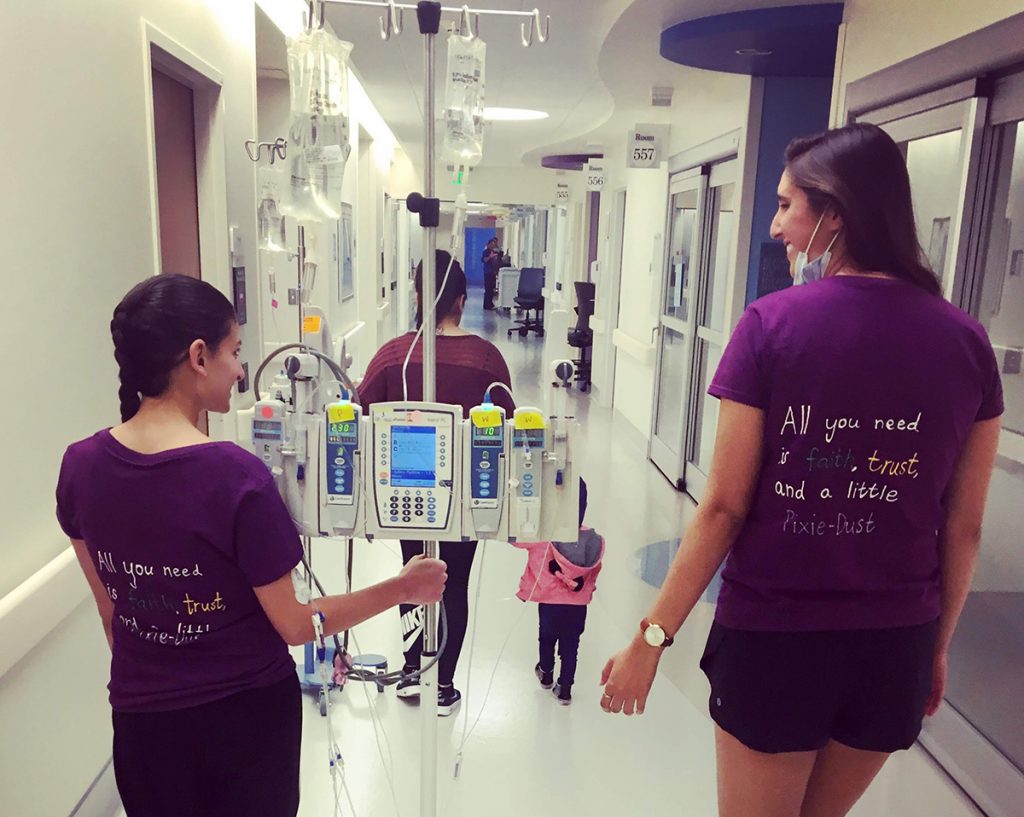
Staying connected and receiving consistent and meaningful support is a cancer survivor’s lifeline. The b-there app was designed specifically for busy young adults, balancing life and being supportive friends. Survivors can easily share their status, desire to connect, manage activities, and request needed items. Supporters can check the app for updates on how their loved one feels before connecting or stopping by, and they can sign up to fulfill items from their wish list. Being there and staying connected has never been easier! The app is free and available to download now on iOS and Android.
Connect
Rally your community to join your invite-only private support network. You can be a supporter too.
Status
Share your status, mood, & desire to connect. Supporters check the app before they connect or come by.
Wishlist
Request items and coordinate activities. You decide who is invited. Supporters sign up.
app best practices to improve support
Interested in some helpful tips for how to best use digital resources and apps to improve connection, rally the support network and make sure everyone is on the same page? Head to our connection and support app blog.
Protecting your account data and privacy is important to us. If at any time you want to delete certain connections from your account, simply go to the connections page, scroll to their profile and click the delete icon. If you are done with the b-there app and want to delete your account and all data, simply go to the settings page (click the gear in upper right corner). Click the red “Delete Account” button. Once you confirm this request, your account and all data will be deleted. Note: If you want to use b-there app in the future, no problem. Just start the account setup process again. Remember, no history of your previous account or connections exists. Any questions? Contact us and we will be happy to help.